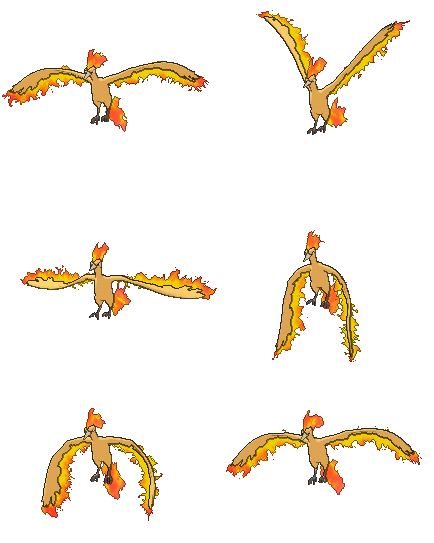
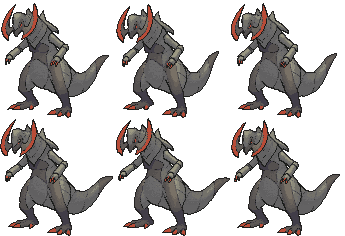
QxC4eva said:Try mapping FireCoreA1 and FireStenA1 to the shader's opacity, then set diffuse to orange then animate the V coordinate. The outlines might need to be composited.
...not quite there yet but I reckon that's the concept ._.
Oh my god XD were these motion captured animations?
Well, I might try giving that a shot, but the main problem I was having before is that Blender had no idea where to draw the outlines when there are textures with transparency. Looks pretty good in Maya though (I don't think there should be backface culling though, try disabling that if you can and see if that helps make it look better).
QxC4eva said:The left leg looks kinda weird. I think the stance can lower a bit so it's always bent, not alternating between bent and straight? Also the eye looks anti aliased.
Alright. Whenever I get the chance to go back to my older work I'll definitely revise that. And yeah, the textures aren't using the correct texture filter for some of these older sprites, which I will also fix when I get back to it.
QxC4eva said:I think something like that can be done with cloth physics.
Actually, there's a better method that I can use in blender, which would be using Spline IK. However, I suck at rigging skeletons with the exception of rigging simple IK for the feet and hands.
QxC4eva said:The finger wagging looks a bit off to me (especially how it's perfect sync with the mouth). In animation, every movement that's not a follow through should be purposeful--either go all out on it or don't include it at all. It can do without the hand gestures I think
No, no, no wait. That's an outdated animation.
<--- This is more recent. Not sure if your criticism still applies here or not.
QxC4eva said:You mean, adding red stripes on that image? I'm sure most of the artists here can do that if you asked
tadaa! (re render? :3)
I'll give a rerender a shot with this I suppose, but I would normally prefer to stick with official textures (I did make an exception before with Gardevoir where it looks to its side rather than to its front, which didn't come with any official textures, so idk).
QxC4eva said:How about upping the scaleX of the lower limb bones to get a *lean looking* extension? Right now it's like, his right leg's got a lump of fat in the front view fat typhlosion fetish confirmo :D
Yeah I've tried scaling the bones, but if I try scaling a bone on one specific axis, it will also scale bones it is parenting, and mind you its not on the children's own x axis scale, rather the parent's x axis, which is hard to fix and I don't know how to fix that in blender. It would be easier to scale the entire parent bone down like say 0.9x and the scale the next child bone up by 1.111...x to compensate, but I can't really do that with Typhlosion since that also causes other deforming problems that are even worse.
And no I don't have a fat Typhlosion leg fetish.
QxC4eva said:
No, you do it. >:L
Congrats on the 100th post btw.